Claude and Google Stitch Don't Replace Designers — They Reduce Design Friction
Published on: 8 May 2026
Why AI design workflows are becoming more interesting
There's a repetitive conversation happening across design communities right now.
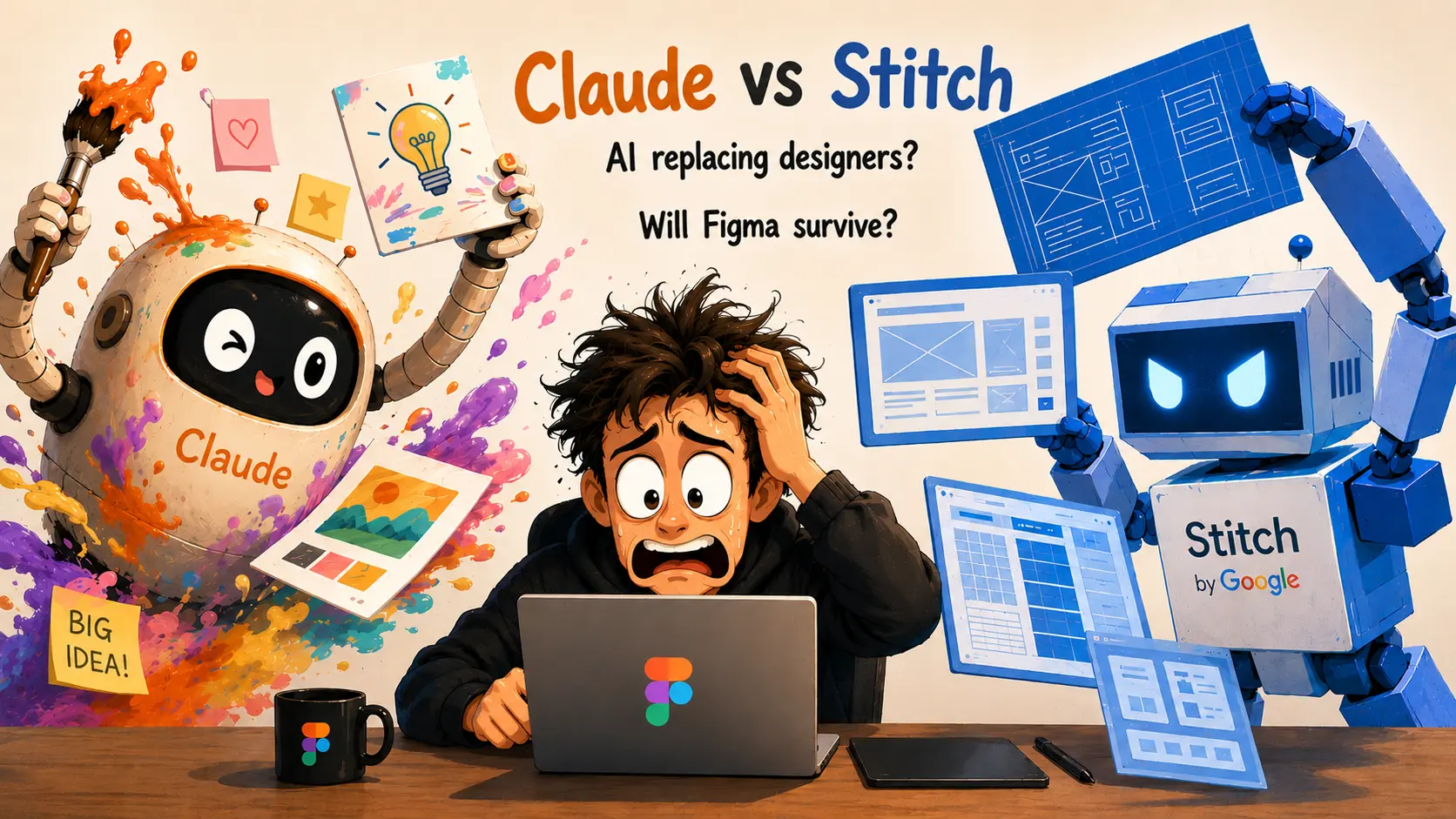
People keep debating whether Claude will replace designers, whether Google Stitch will replace Figma, or which AI tool is “best” for design work.
I think that framing misses the more interesting shift entirely.
The better question is:
What happens when these tools work together inside a real workflow?
I recently tested that idea while designing a visiting card for ParikshaPro, a smart library and seat management platform based in Patna.
Instead of comparing tools individually, I used Claude, Google Stitch, and Figma together to see how each one contributed to the final result.
What stood out wasn't which tool “won.”
It was how differently they approached the same design problem.
Why I chose a visiting card instead of a UI screen
Most AI design experiments online revolve around dashboards, landing pages, or app screens. I intentionally picked a visiting card because it creates a very different design challenge.
A visiting card has to work both physically and digitally. It needs branding, readability, print awareness, and visual personality within an extremely limited space. That makes it a surprisingly effective way to evaluate how AI tools respond to design constraints.
It also creates a cleaner comparison. With only two sides and a focused goal, it becomes much easier to observe the strengths of each tool without hiding behind large interfaces or multiple screens.
How I ran the experiment
I didn't follow a rigid process here.
The workflow evolved naturally as I moved between tools and refined the outputs step by step.
Step 1 — Theme setup in both tools
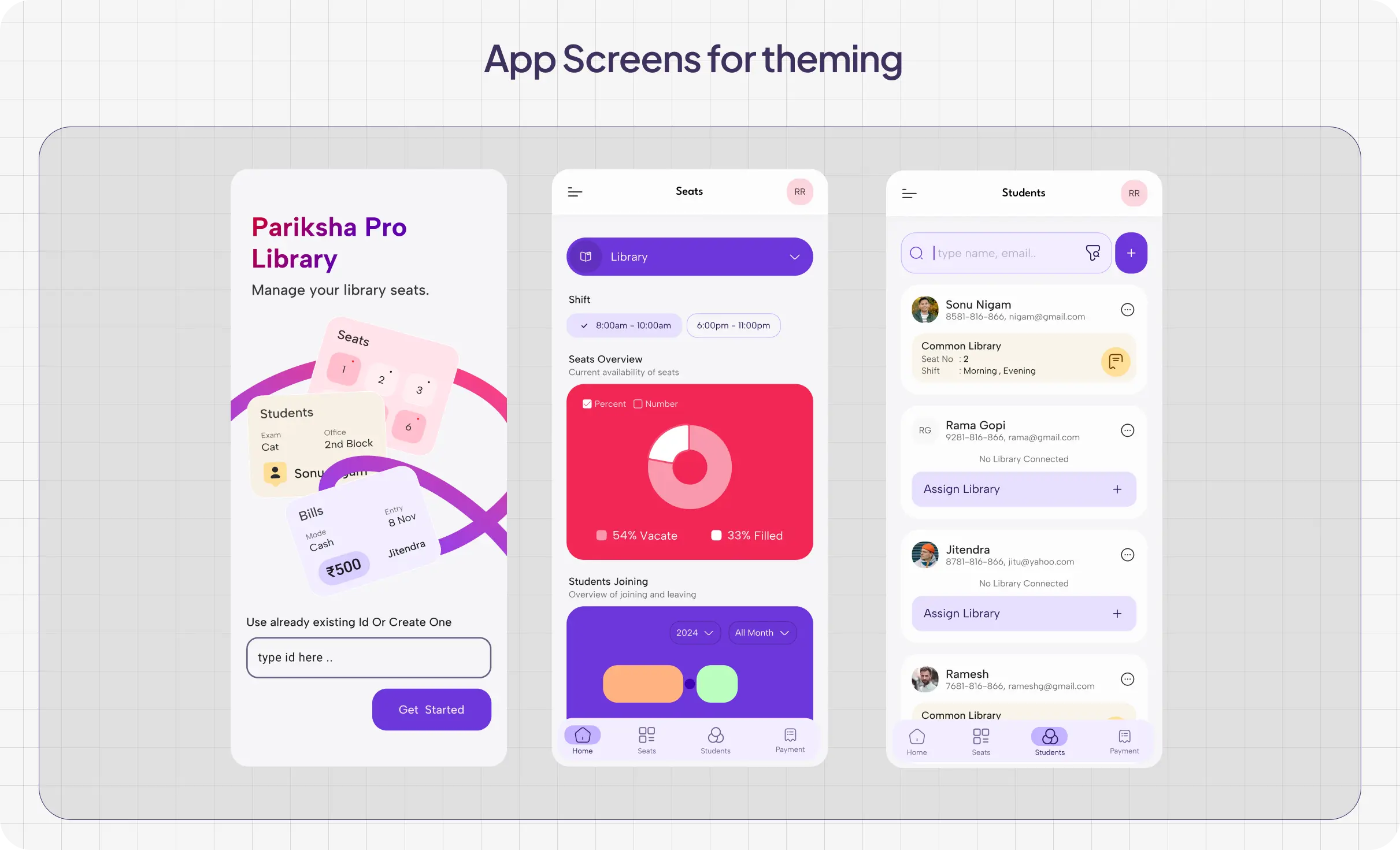
Before generating anything, I fed both Claude and Stitch the existing ParikshaPro app screens and brand references, including colors, typography direction, and the overall visual tone.
That initial setup mattered a lot because generic prompts usually create generic outputs that feel disconnected from the actual product.
// Prompt for claude design and google stitch

I want to create a visiting card for ParikshaPro.

ParikshaPro is a product related to library seat management. You can understand more about it from parikshapro.com.

First, define the visual theme for the design.

I've attached screenshots of the app — use them as reference to understand the style and create a consistent theme that can be used for the visiting card.
Step 2 — Generate the visiting card concepts
Once the visual direction was clear, I gave both tools the same structured brief:
- logo
- question
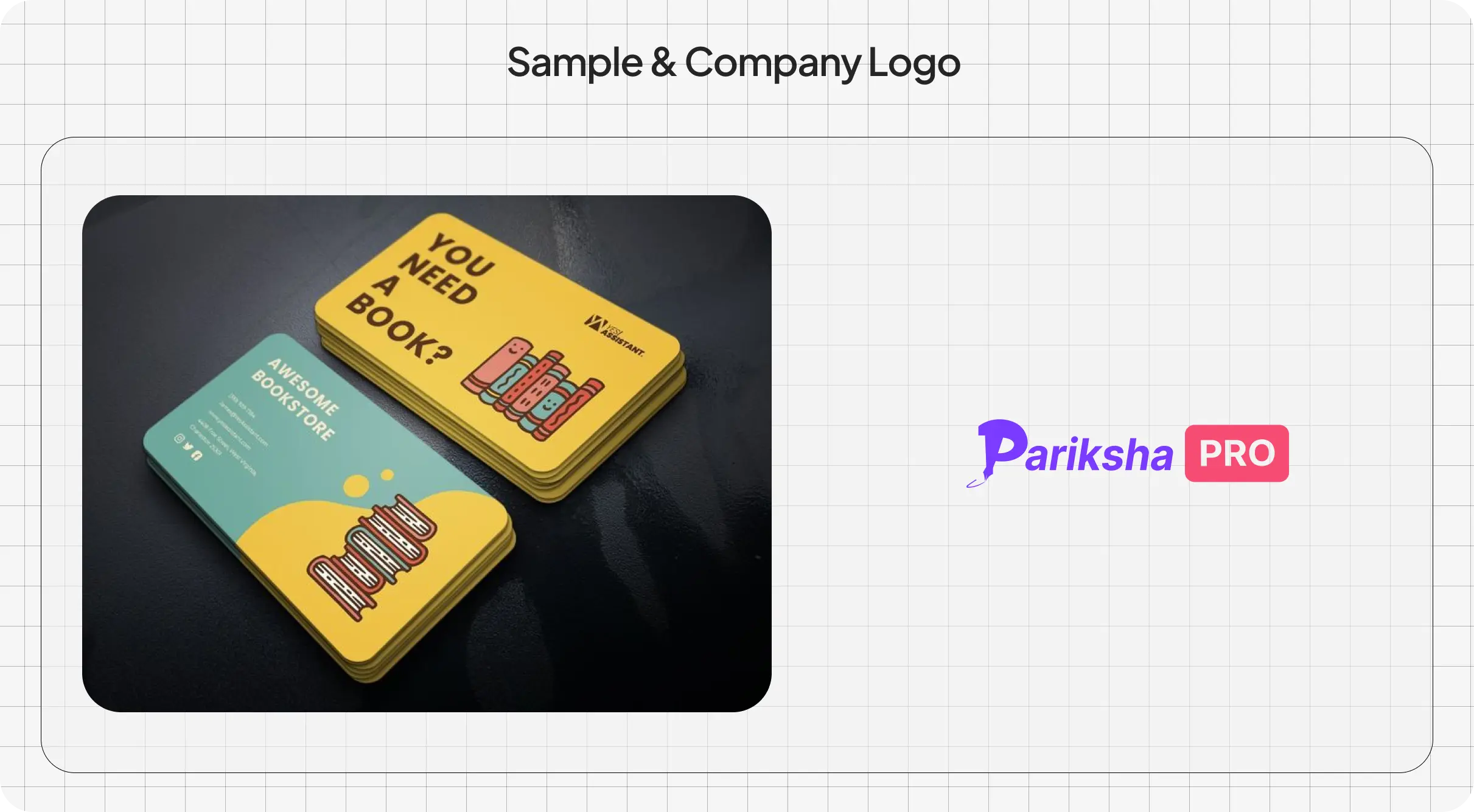
- sample card reference
I wanted both systems working from identical constraints so the differences in output would come from the tools themselves rather than the prompt quality.
I want to design a visiting card similar to the attached sample. I've also attached the ParikshaPro logo.

Card size: 88.9 x 50.8 mm

Front side:

- Add a strong question: “Tired of Managing Seats Manually?”
- Use an illustration in a similar style as the sample (outline-based, minimal fill)
- Keep the background solid secondary color (pink)
- Do not place the logo on the front

Back side:

- Divide into two sections
- Right side: QR code, logo, and tagline
- Left side: all contact details
Step 3 — Iterate until the outputs matured
I didn't accept the first generation from either tool. I iterated repeatedly in both Claude and Stitch until each one produced a strong direction.
That turned out to be the most revealing part of the experiment because the differences between the tools became more obvious with every refinement cycle.
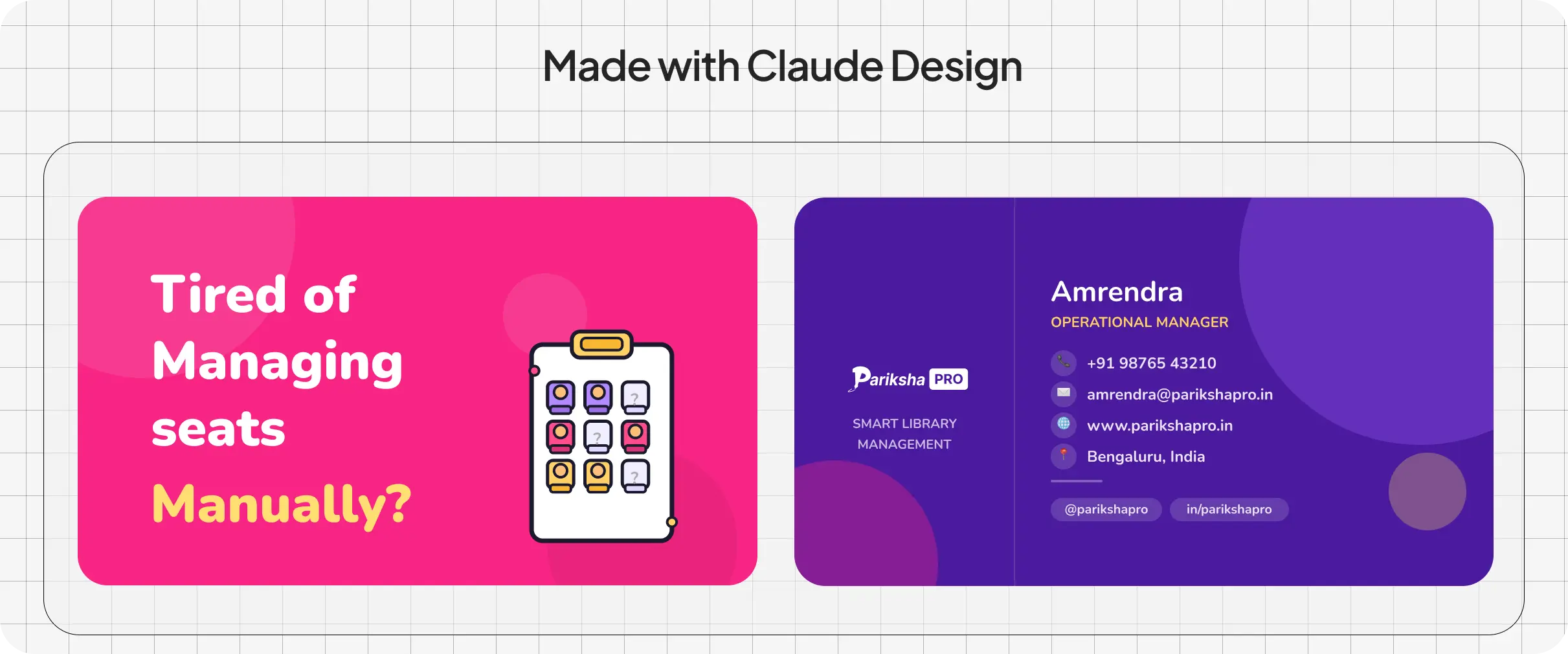
Claude consistently leaned toward brand personality. Its outputs felt bold, colorful, and expressive, closely reflecting the energetic visual language of ParikshaPro.
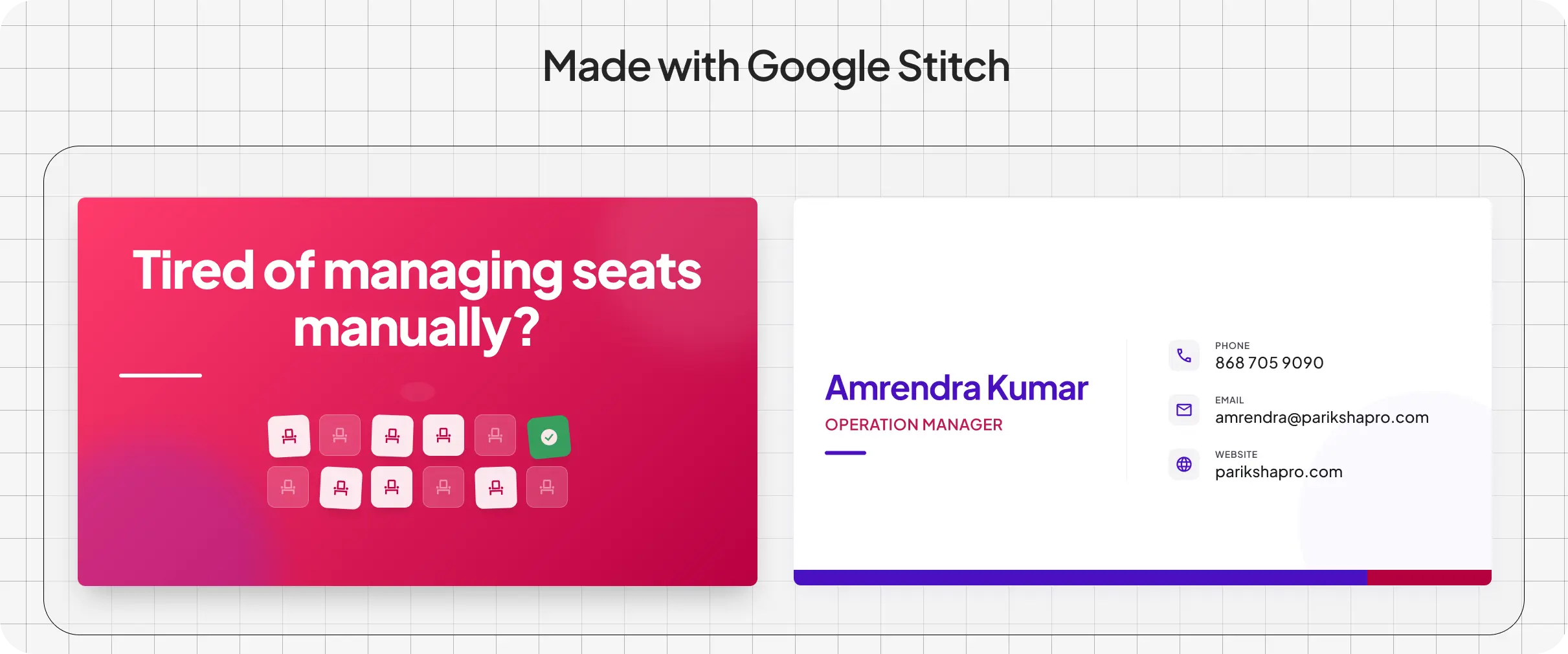
Google Stitch leaned toward structural clarity. Its layouts felt cleaner and more production-oriented, with stronger emphasis on spacing, hierarchy, and print-ready organization.
Step 4 — Final refinement in Figma
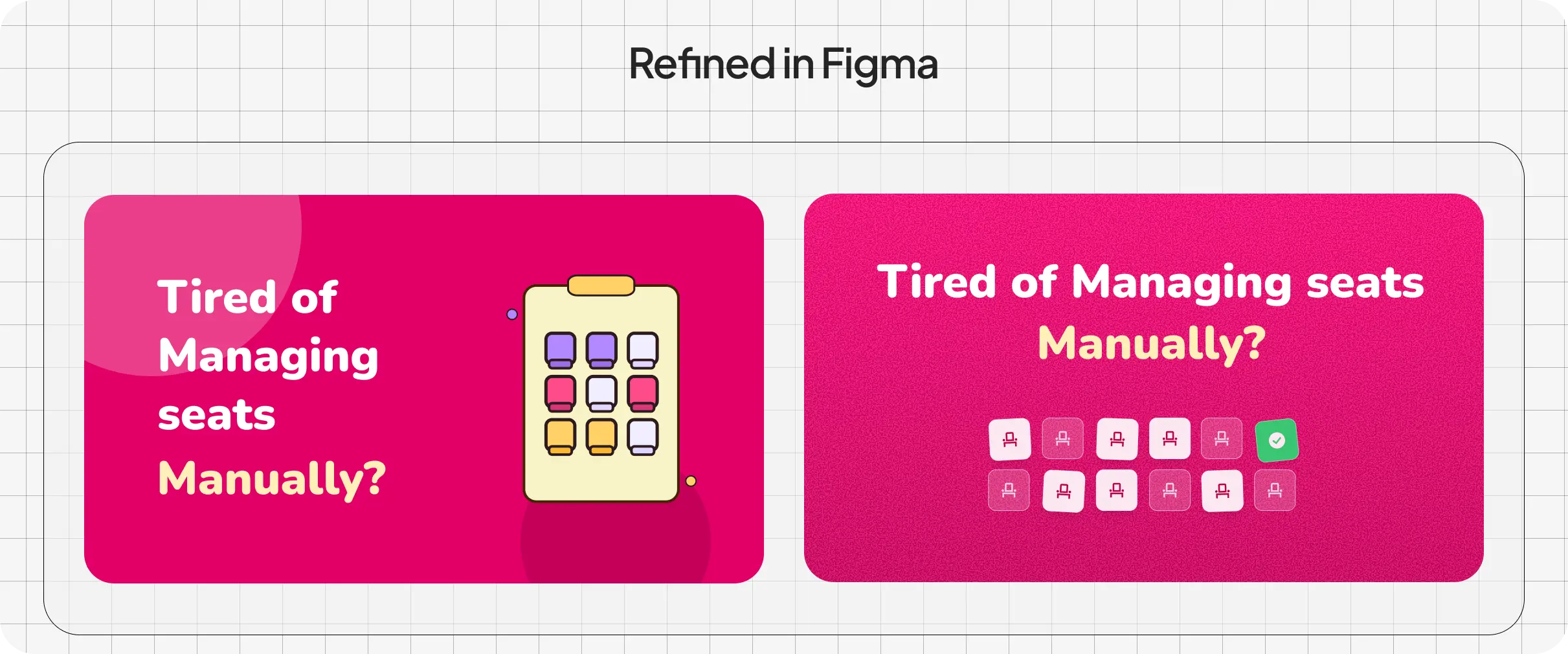
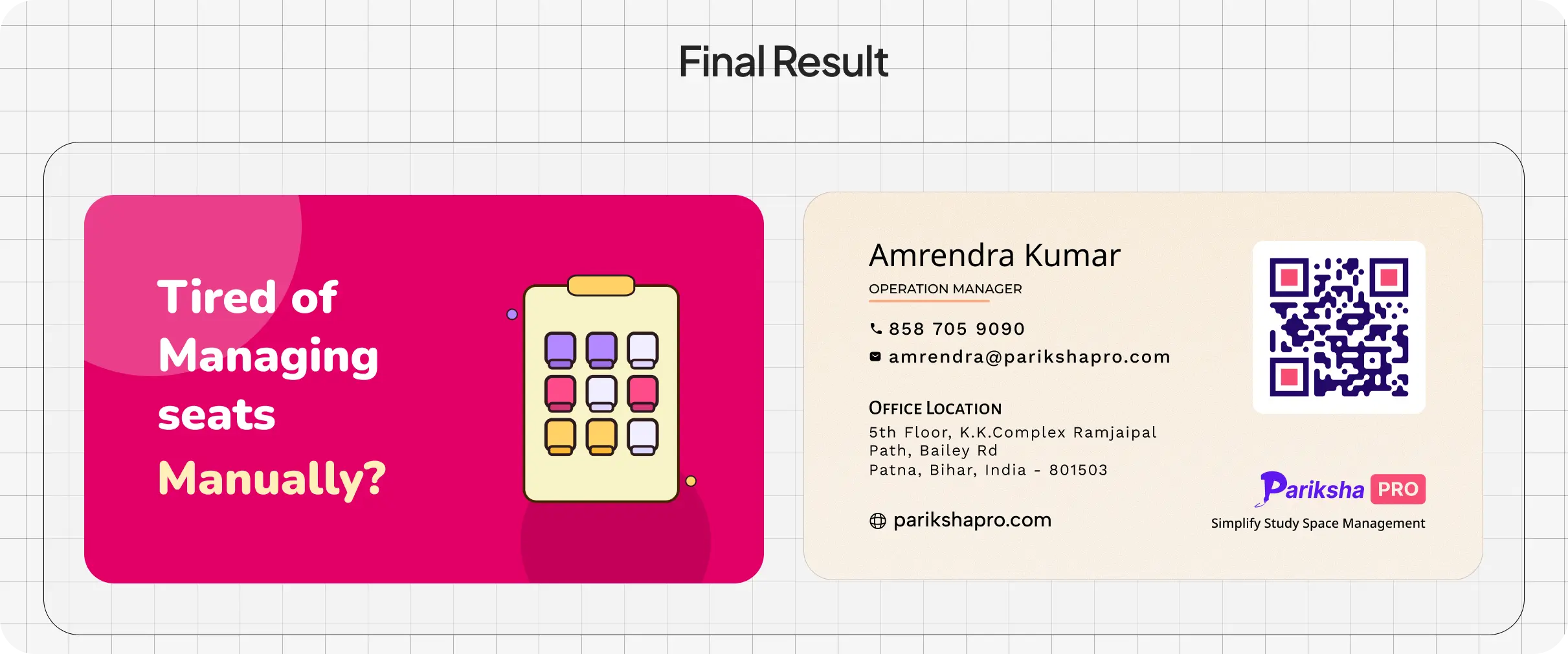
After both outputs reached a strong stage, I moved everything into Figma for manual refinement.
That final layer included:
- typography adjustments
- QR code placement
- spacing corrections
- texture balancing
- smaller visual refinements
The biggest advantage wasn't that AI finished the design automatically.
The advantage was reaching multiple usable creative directions much faster than starting from a blank canvas.
What the experiment actually revealed
The most interesting part of the experiment was realizing that each tool behaved almost like a different design collaborator.
Claude naturally leaned toward visual personality. Its outputs were bold, colorful, illustration-driven.
Stitch behaved more like production logic. It emphasized cleaner structure, spacing, and practical layout behavior.
Figma then became the environment where those AI-generated directions could be refined into something deliverable.
That is why I don't think these tools replace designers.
They reduce the friction between:
- exploration and iteration
- iteration and refinement
- refinement and execution
The designers who learn how to orchestrate these systems together will probably move faster, explore more directions, and make stronger creative decisions without losing the human judgment that still matters most.
Final thoughts on AI-assisted design workflows
After this experiment, I don't think Claude or Stitch replace designers.
But I do think they change how designers work.
The future may belong to designers who can:
- evaluate outputs quickly
- combine tools intelligently
- maintain visual taste
- make strong creative decisions under speed
Because when everyone can generate options, judgment becomes the differentiator.
And honestly, that may make good designers even more important.
FAQ
Does Google Stitch replace Figma?
No. Stitch helps accelerate layout exploration and structural experimentation, but final refinement and design judgment still happened inside Figma.
Can Claude generate design ideas effectively?
Yes. Claude was surprisingly useful for creative direction, messaging ideas, visual tone exploration, and generating multiple starting directions quickly.
Why use a visiting card for this experiment?
A visiting card creates strict design constraints around hierarchy, readability, branding, and print layout, making it easier to evaluate how AI tools behave under limited space.
What was the biggest benefit of combining these tools?
The biggest advantage was reducing exploration friction. Multiple creative directions could be tested quickly before moving into final refinement.
Do AI tools reduce the need for designers?
Not necessarily. They reduce repetitive friction and speed up experimentation, but human judgment, taste, and refinement still matter heavily.
What to do next
If you're experimenting with AI-assisted design workflows, try using multiple tools together instead of evaluating them in isolation.
You may discover that the real advantage isn't replacement.
It's orchestration.
Suggested links
External: